¶ Introduction
Step 1: Login to WorldCentral
- Open WorldCentral and, if prompted, enter your login credentials.
Step 2: Navigate to the Resident Management Module
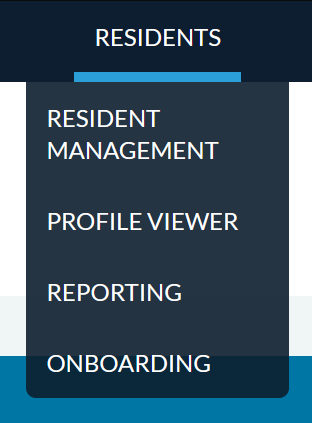
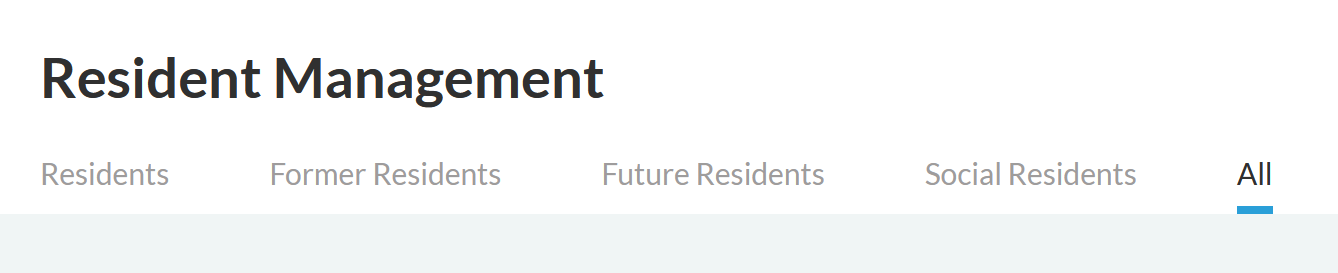
From the main menu, navigate to Residents > Resident Management and click the All tab.
Step 3: Find the Desired Resident
- In the Preferred Name or Legal Name sections, search for your desired individual. Click on their name once you find it.

Step 4: Add a Relationship
- On the right hand side, next to Relationships, click the + button

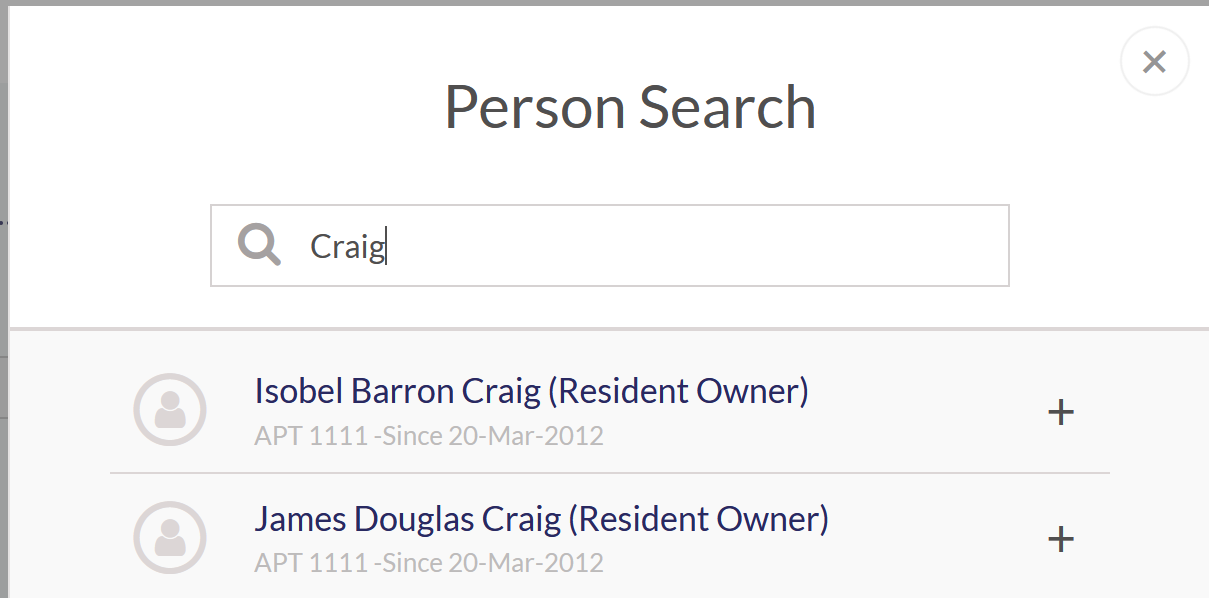
- Search for the Resident(s) by name, and click the + button to add the Relationship. Once complete, click the X in the top right corner of the popup to close it.
- Select the correct relationship type in the dropdown next to the name of the Resident(s) that you just added. Typically, this would either be ‘Family’ or ‘Friend’ as indicated in Fidelio.
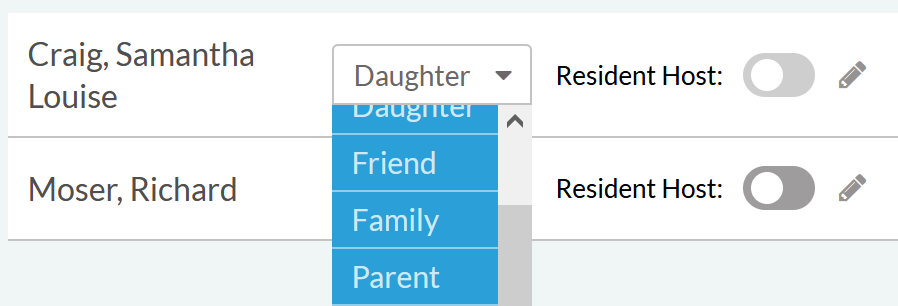
- Whoever is the registered guest of the resident should have Resident Host toggled.
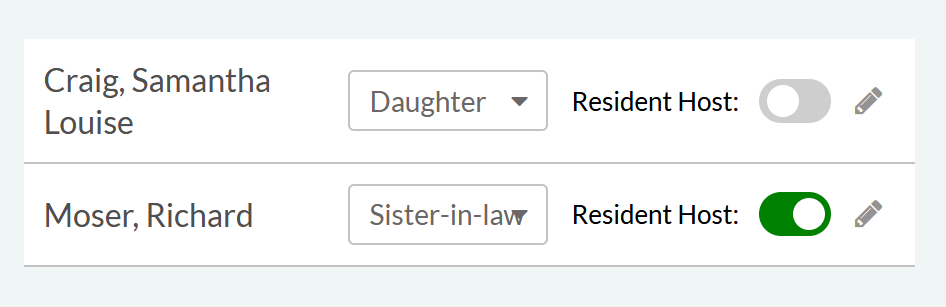
- Click the SAVE button in the top right to update the record.