¶ Introduction
Step 1: Login to WorldCentral
- Open WorldCentral and, if prompted, enter your login credentials.
Step 2: Navigate to the Resident Management module
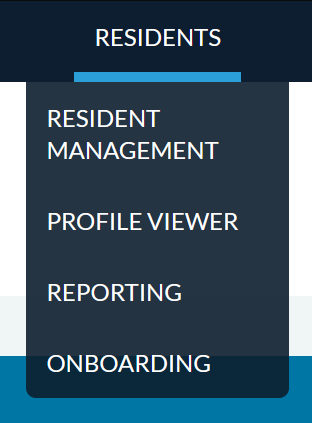
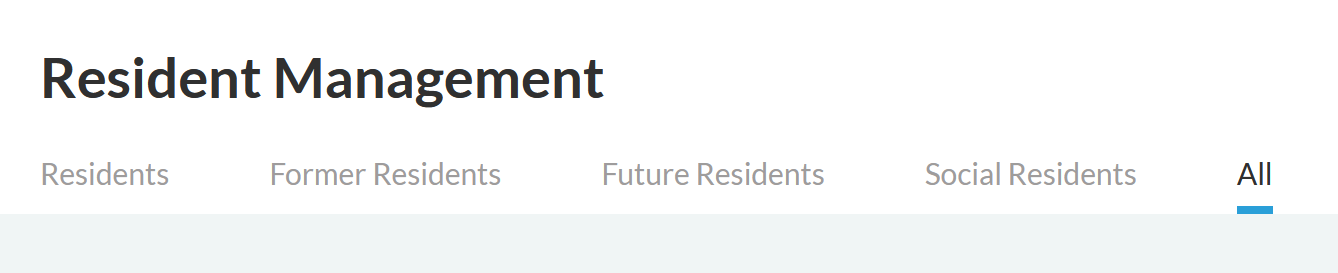
From the main menu, navigate to Residents > Resident Management and click the All tab.
Step 3: Find the Desired Resident
- In the Preferred Name or Legal Name sections, search for your desired individual. Click on their name once you find it.

Step 4: Assign Contact Information
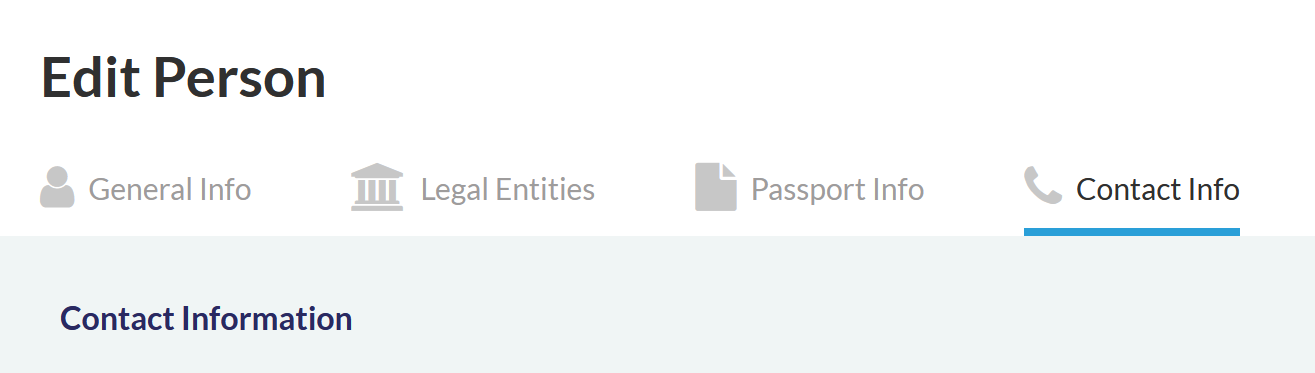
- Click the Contact Info tab.
- To create a new contact record please select IMS Communications from the Contact Type dropdown and enter the desired email address in the Email field.

- Click the Create button to save the new record.